




Open Chat is the corner of KakaoTalk — the messenger nearly everyone in South Korea uses. Here, you can talk to strangers under a nickname you invented an hour ago. I joined one of those rooms and downloaded a photo somebody had posted. The file leaked exactly where that person was standing, the second they stood there, and which phone they used to take the picture. One setting determines if you are safe, or if you are leaking your exact location, and you almost certainly turned it on for a completely different reason.
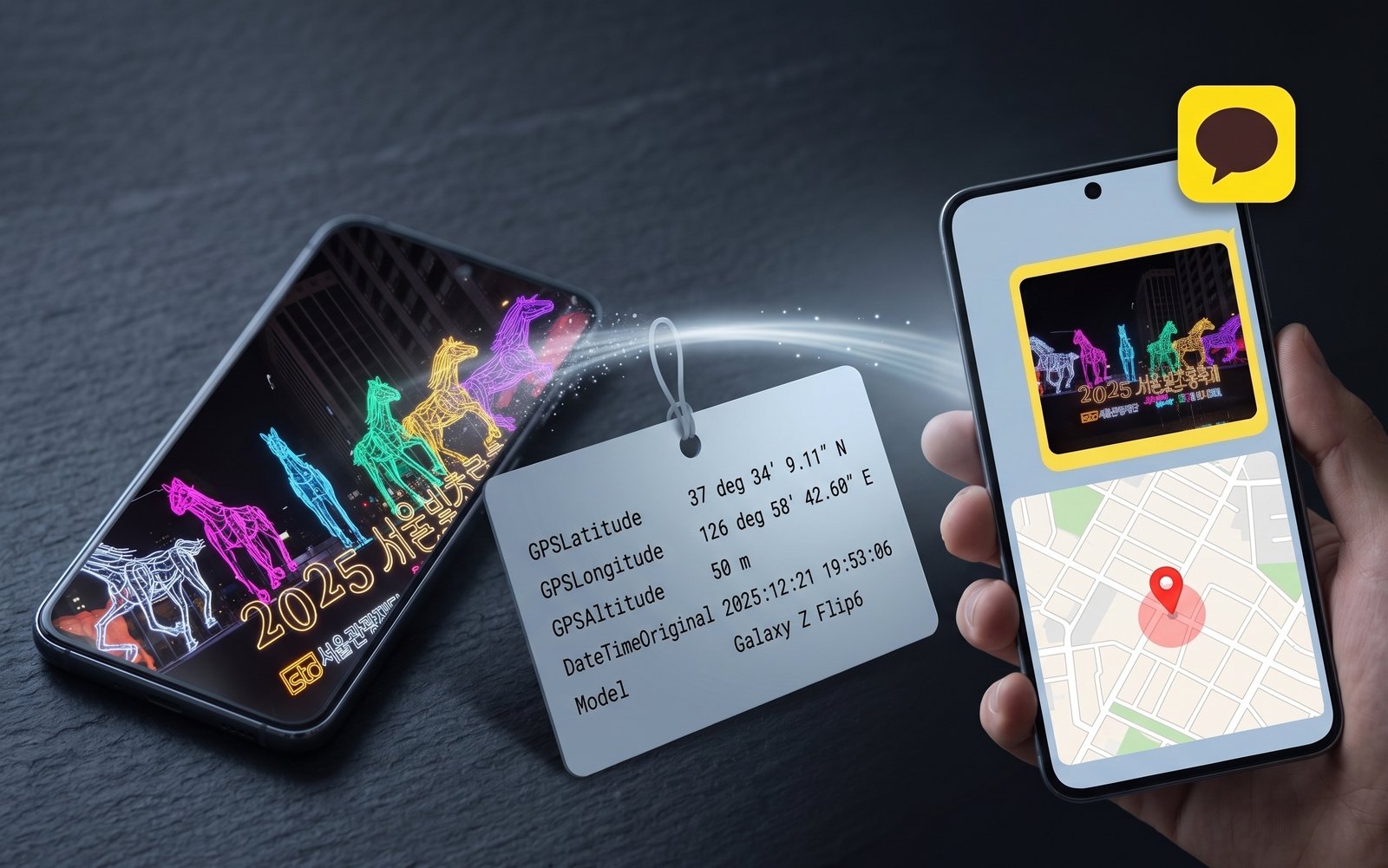
Kakao says the room limits what you expose
Open Chat exists so you can talk to people outside your contacts. Kakao's own product page names the user request the feature was built on:
Kakao, on why Open Chat exists: "I want to expose my profile information only in a limited way."
You get a fresh profile in every room, and the promise reaches a lot of people: KakaoTalk recorded 47.97 million monthly active users in October 2025, per Etnews.
The profile really is anonymous. So I read the file.
By default, Kakao strips it
The default photo quality in KakaoTalk is Standard. I sent photos through it on iOS and Android and read what arrived: standard quality re-compresses the image and drops every EXIF (metadata) tag on the way — GPS, timestamp, camera model, all of it.
If you have never opened the send-quality menu, you are on Standard, and the photos you have posted carry nothing. The whole question is whether you ever opened it.
You turned the setting on for photo quality
If you are using Original quality, you probably did it for a good reason: it sends the photo exactly as the camera wrote it, so it does not land soft and blocky. The setting sits at Settings → Data and Storage → Media Transfer Management → Photo Quality.
The choice is sticky and global. Set it once and it governs every photo you send afterwards, in every chat and every open room.
Kakao does warn you. Switch to Original and the app tells you the photo will be sent with its metadata.
The warning is true, and it does no work. Metadata is not a word anyone holding a phone has a feel for. Image quality is. So the trade takes about a second — you want the good picture — and nobody stops to ask what was on the other side of it.
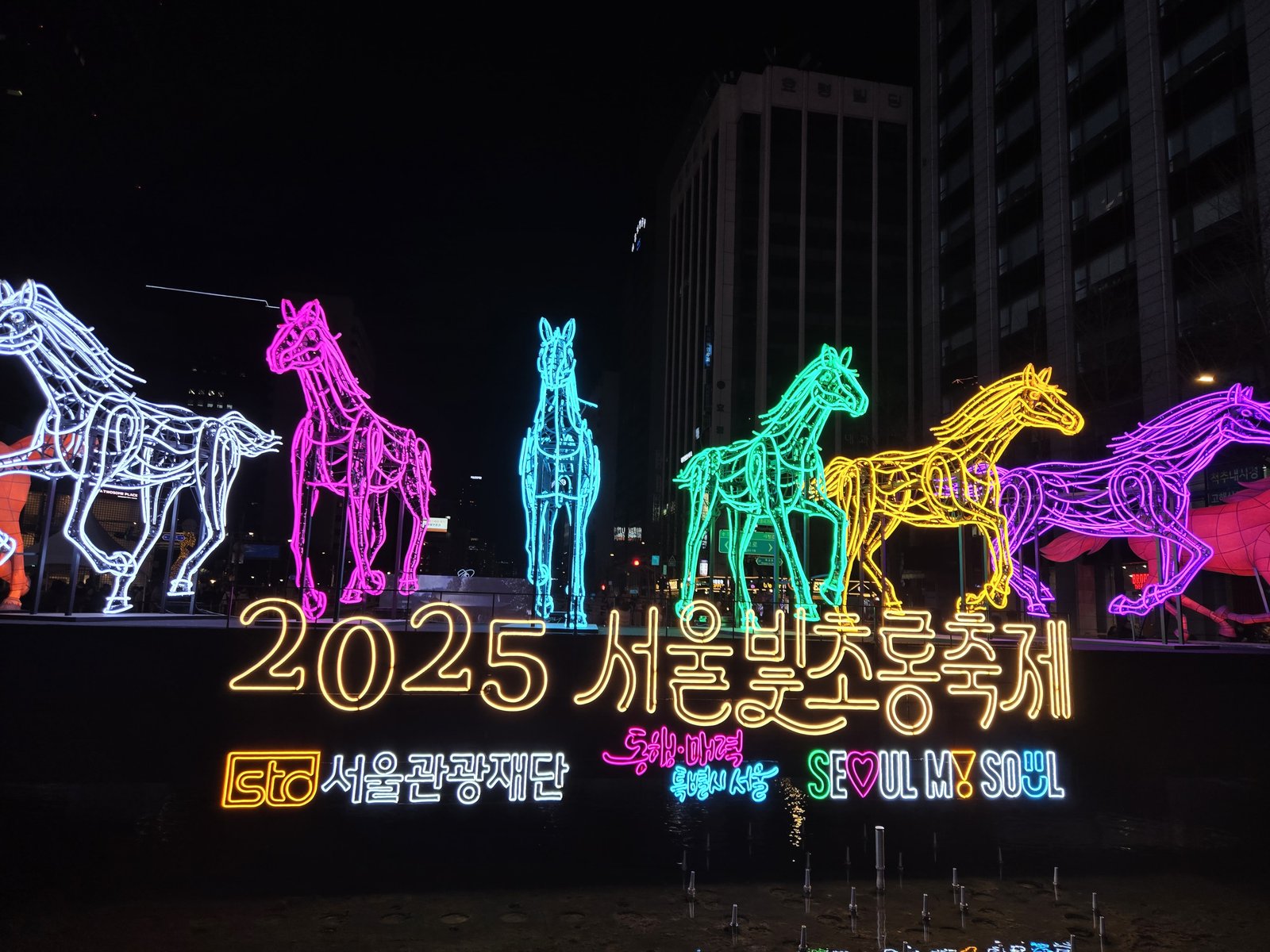
In one of my own photos at the 2025 Seoul Lantern Festival, sent at Original quality, the following metadata is sent with the picture:
GPSLatitude      : 37 deg 34' 9.11" N
GPSLongitude     : 126 deg 58' 42.60" E
GPSAltitude      : 50 m
DateTimeOriginal : 2025:12:21 19:53:06
Make / Model     : samsung / Galaxy Z Flip6
While a lantern festival might be harmless, your street and your child's school gate are different photographs carrying identical fields.
Turning off GPS does not silence the file
Say you already turned location off for the camera. I gave that advice myself, in which apps keep your photo's location. It was incomplete.
Here is a second photo of mine, a park under banyan trees, on an iPhone 13. It carries zero GPS tags, and it still carries this:
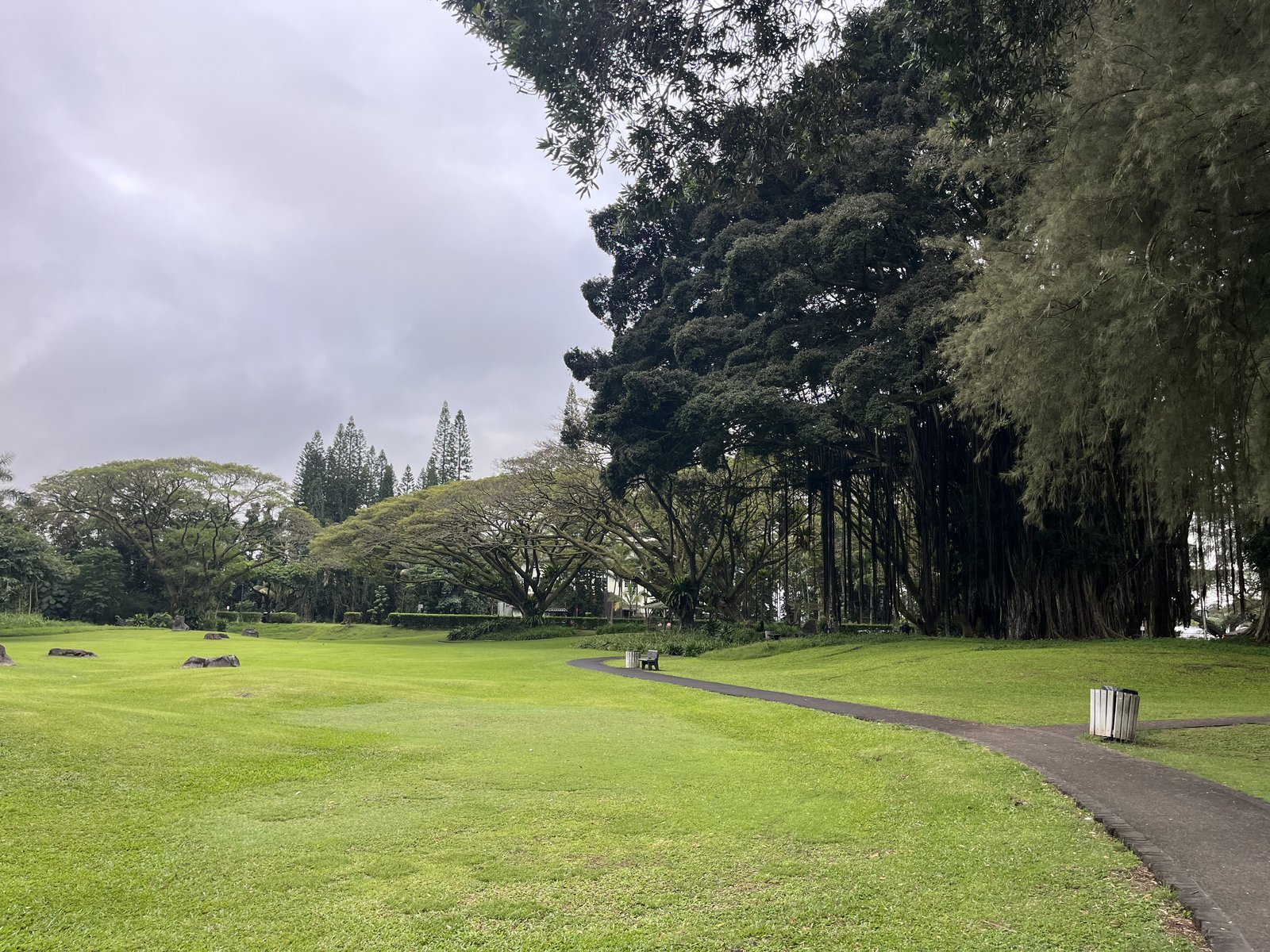
OffsetTime          : -10:00
Software            : 18.3.2
LensModel           : iPhone 13 back dual wide camera 5.1mm f/1.6
FocusDistanceRange  : 0.46 - 3.09 m
AccelerationVector  : -0.99 0.014 0.164
RunTimeSincePowerUp : 2 days 18:22:41
PhotoIdentifier     : FCD8DD76-2DF8-4892-8114-D263113BF2A2
In this case, there is no coordinate metadata. However, even with no coordinates, there is a lot of information that can be used to narrow down where you are and to link your photos to one another. For instance, OffsetTime points to a UTC−10 timezone, which is a short list of a few places on Earth. There is also the exact iOS version and the lens.
Those three stay the same on every photo that phone takes. They work the way a browser's User-Agent header does — no single field names you, but stack enough of them together and the population that fits shrinks until very few people are left in it. The rest describe the moment: how far away the subject stood, the tilt of the phone when the shutter fired, how long it had been running since its last reboot, and a unique identifier for the frame itself.
None of it names you outright. It bites in two situations: someone is already targeting you and wants to confirm it is you, or someone is collecting at scale and wants to sort millions of photos into people.
Before you post
If you want to keep your location private, make sure you follow these steps.
- Leave photo quality on Standard. Standard strips every EXIF tag, so this is the whole fix. It costs image quality, so reach for Original deliberately, for people you know.
- Turn off location for the camera. On iOS: Settings → Privacy & Security → Location Services → Camera → Never. It removes the GPS at the source, for every app. The timezone, OS version, lens, tilt and uptime stay where they are.
- Send a screenshot when the picture is all you need. A screenshot is a fresh file the OS draws, so it carries none of the camera's fields.
- Assume the room keeps whatever you post. Every member can download the file the moment it lands, and no setting you change later reaches the copy on their phone.
Open your phone and walk to Settings → Data and Storage → Media Transfer Management → Photo Quality. Which one is selected, and do you remember choosing it?
References
- Kakao — Open Chat product page: https://www.kakaocorp.com/page/detail/10811
- Etnews — "KakaoTalk user numbers unchanged after the September overhaul" (Wiseapp Retail MAU, 2025-11-18): https://www.etnews.com/20251118000062
- Panke — "Which Apps Keep Your Photo's Location, and Which Strip It" (2026-07-04): /en/blog/2026-07-04/which-apps-keep-your-location

 Instagram