




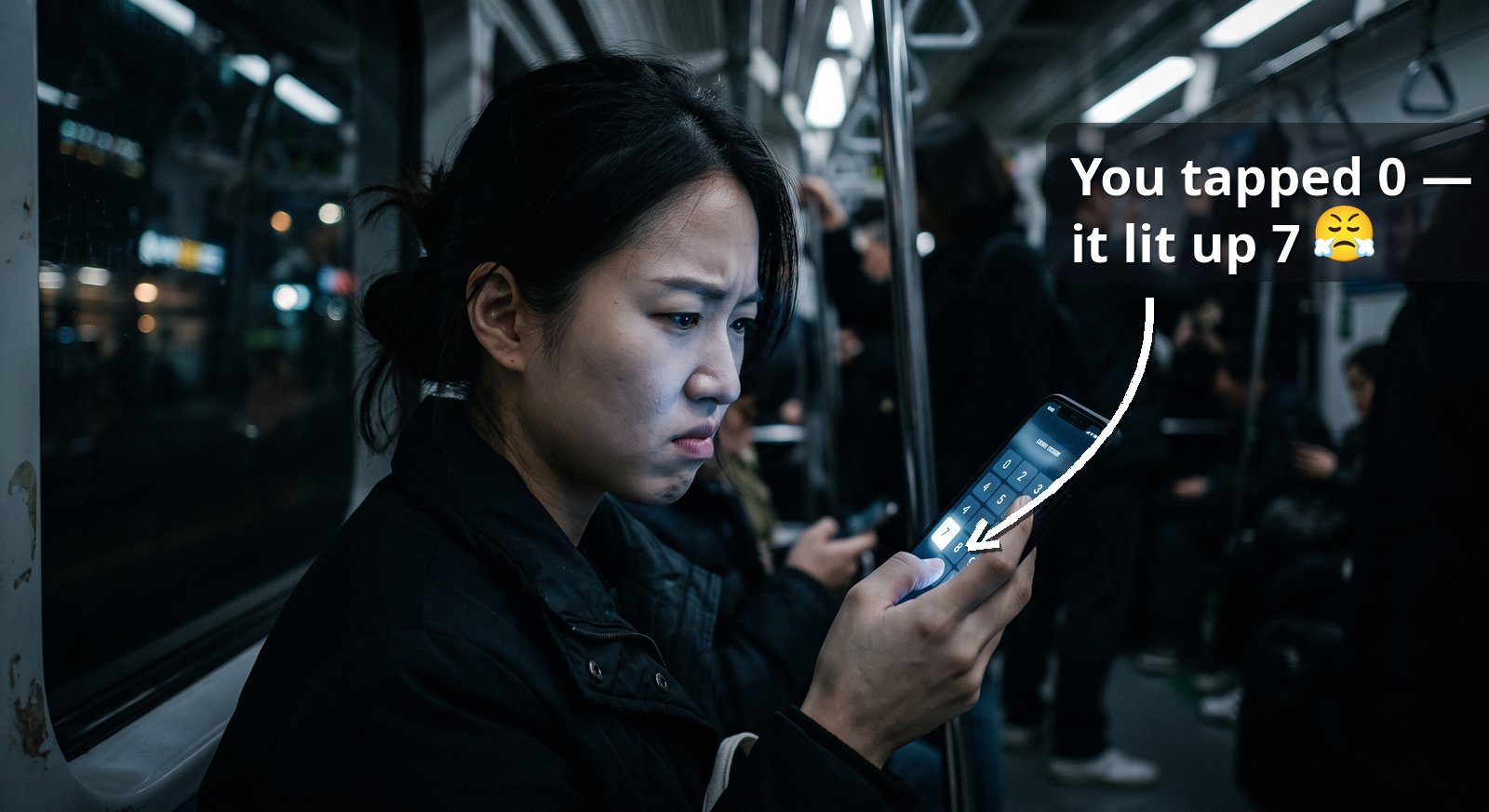
If you bank in Korea, you already know this keypad. The numbers sit in a different spot every time, and when you tap one, a different one lights up — so you second-guess the digit and end up retyping your PIN more often than you would like. It is meant to protect you, and the irritating part is how little it actually does. Here is what that daily friction is really buying you.
The keypad is confusing on purpose
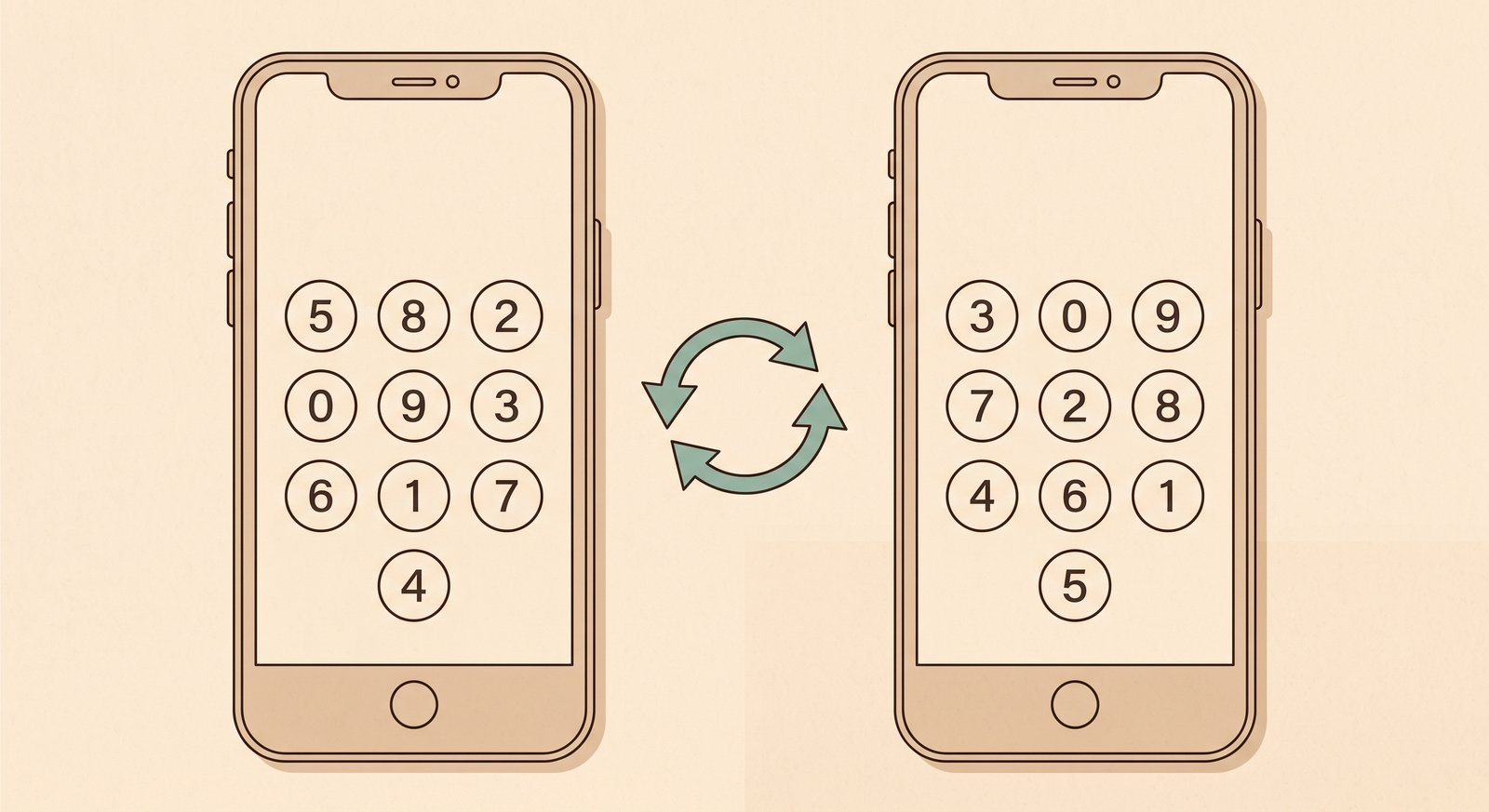
Korean banking apps run a "security keypad" — a numeric pad the app draws on the screen for you to tap, replacing your phone's normal keyboard. Two things about it are deliberate. The digits reshuffle so they sit in different places on every screen, and the highlight you see when you press a key is decoupled from the key you actually pressed.
So the flash of feedback is bait. A screenshot taken at the instant of your tap points at a digit you never touched, and the numbers have already moved for the next press. The reshuffling half of this is a documented design — Korean security-keypad patents describe an on-screen pad whose layout randomizes on every use, so that a single captured image cannot be reused.
What it is trying to prevent
The whole thing assumes your device is already lost. Korean banking security starts from the premise that malware is on your phone or PC right now, watching you log in.
On that assumption the fear is a keylogger that cannot read physical keys — because you are tapping glass, not pressing them — and falls back to photographing the screen and your finger at the moment you press. Against that camera, a reshuffled pad and a misleading highlight are meant to make the captured frame lie.
A real recorder is not fooled
Here is why the "security keyboard" doesn't really achieve what it set out to do. A tool that records your screen also records where your finger or cursor lands. With the tap coordinate and the pad layout sitting in the same frame, the attacker reads the real key straight off the position. What lit up does not matter.
Security researchers have made exactly this point about on-screen banking keypads for years. The scheme only holds if an attacker can grab the picture but not the click location, and a tool that captures one can trivially capture the other.
The actual work against screen recording is done by something heavier — capture-prevention modules that hook the system at the driver level to block screenshot and recording software outright — and even that rests on the same shaky ground. As Wladimir Palant found when he took one of these Korean banking components apart, software running on an already-compromised machine can be disabled, bypassed, or replaced by the malware that is already there.
The one threat it does stop
There is a case where the wrong-key trick genuinely earns its place, and it has nothing to do with malware. It is the person standing behind you.
Someone glancing at your phone on a packed subway is not recording frames and correlating coordinates. They are reading the screen with their eyes in real time, and a pad that reshuffles every screen and flashes the wrong number is genuinely hard to follow that way. Against a live shoulder-surfer, the misdirection works about as well as it possibly could.
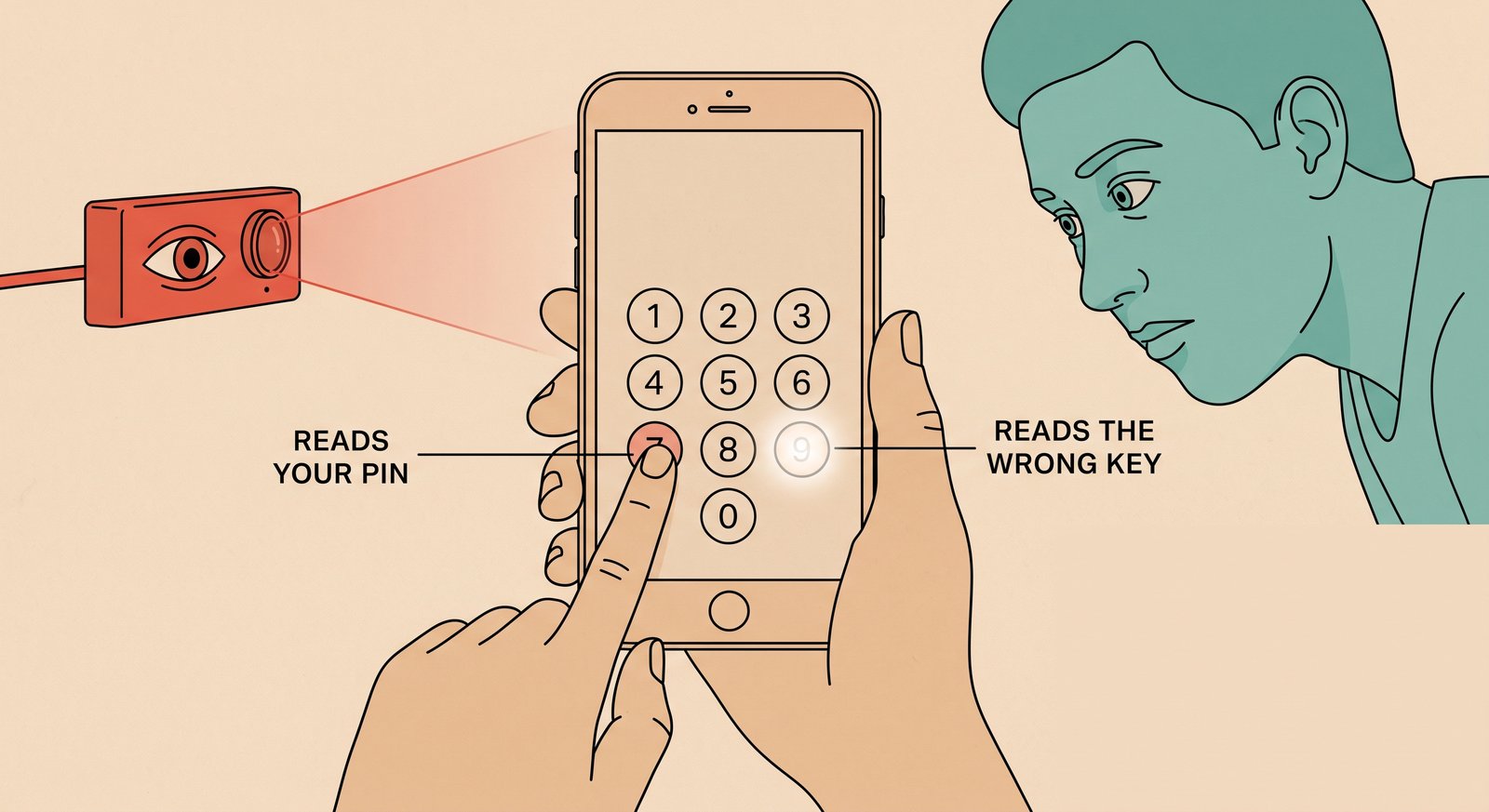
That is the real benefit of this feature, even if a modest one.
Whether that trade — a fumbled PIN on every login for one narrow win — is worth it is the same question hanging over the rest of Korea's banking-security stack.
Have you ever retyped your bank PIN two or three times because the wrong number kept lighting up?
References
- Google Patents — KR100571695B1, 키보드와 마우스 및 영상의 해킹 방지 방법 (on-screen keyboard with screen and video capture prevention)
- Google Patents — KR20100023635A, 가상키보드를 이용한 보안방법 (randomized on-screen keyboard, anti-keylogger)
- ResearchGate — Analysis on Vulnerability of Password Entry Using Virtual Onscreen Keyboard
- Wladimir Palant, Almost Secure — TouchEn nxKey: the keylogging anti-keylogger solution

 Instagram