




We checked 10,135 Korean company websites and found that 730 had certificates
issued to domains such as *.cafe24.com, *.gabia.io, or another business on the
same server.
Here is why shared servers do this, why it's bad for business (what your visitors see), and how to check your own site with a single command.
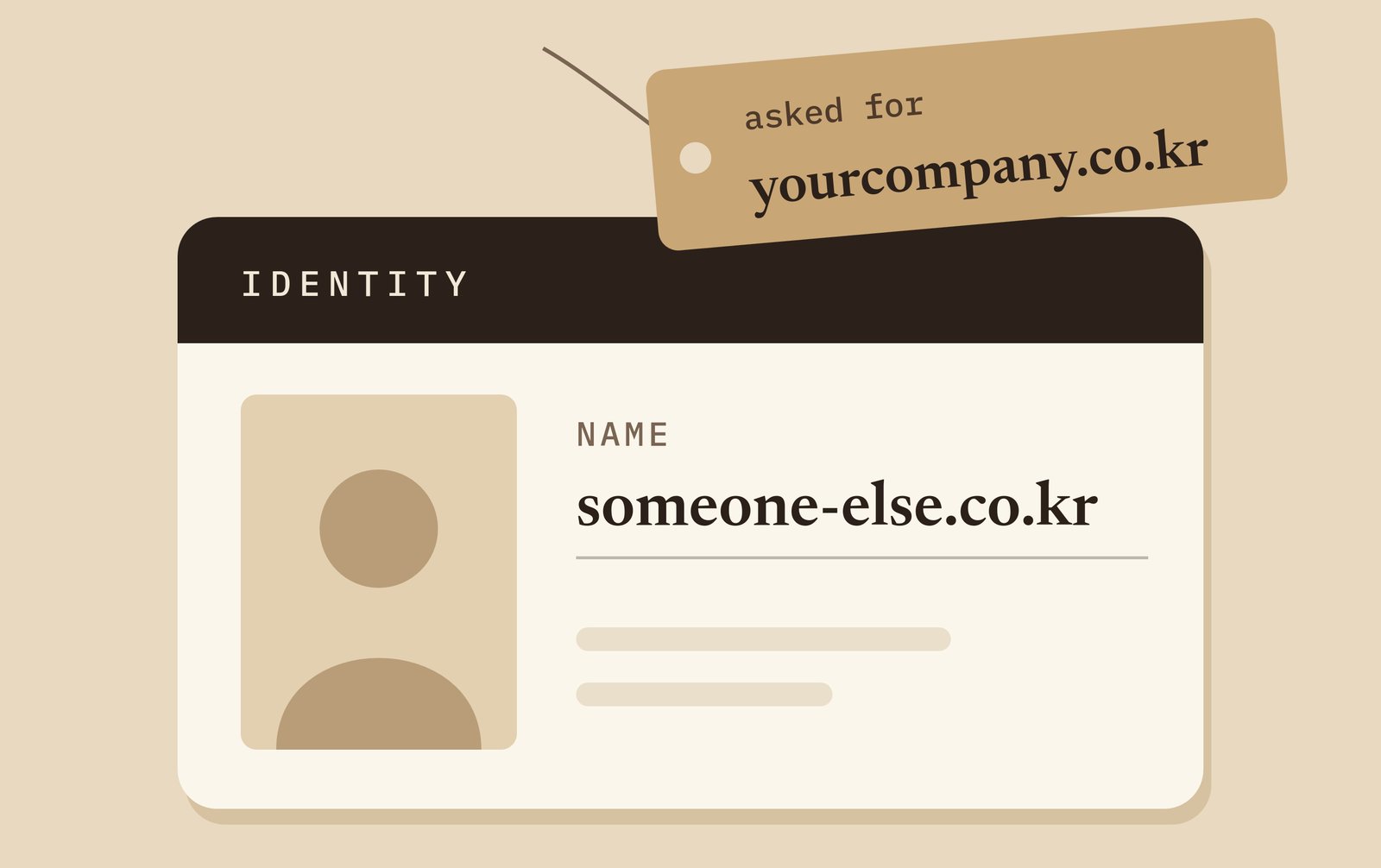
What your visitor sees
Chrome blocks visitors with a full-page warning: Your connection is not
private (NET::ERR_CERT_COMMON_NAME_INVALID).
Under Advanced, Chrome names the mismatched party. As Chromium's source notes: "This server could not prove that it is [your domain]; its security certificate is from [another domain]."
Firefox displays SSL_ERROR_BAD_CERT_DOMAIN and lists the certificate's valid
domains.
Seeing "this site is not secure" is a huge red flag for the visitor! The likelihood that they will feel safe enough to input their data or buy something has just gone downhill.
Why are there wrong certs
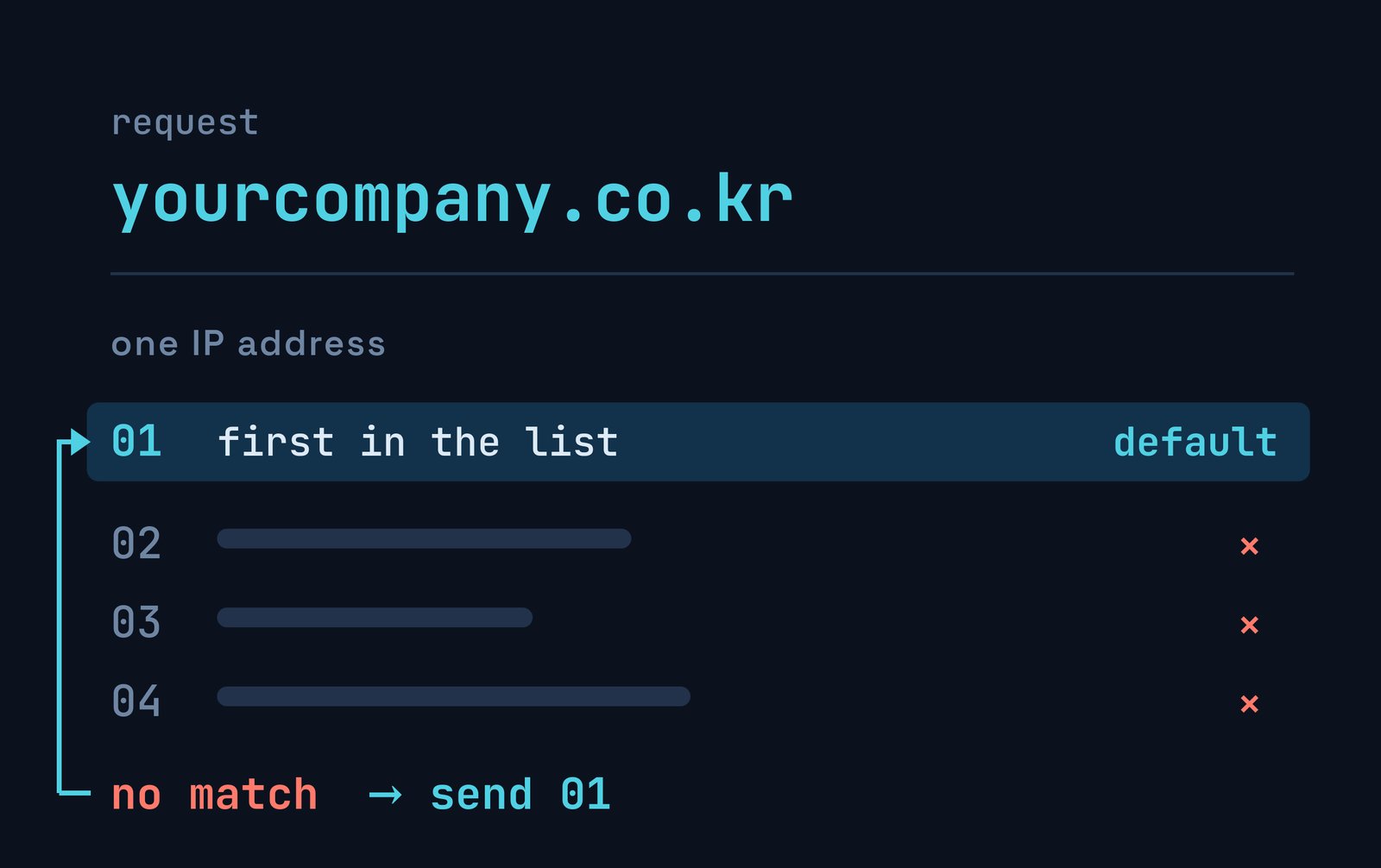
Shared hosting places multiple sites on a single IP address. During the TLS handshake, the browser specifies its target domain using Server Name Indication (SNI), prompting the server to select the matching certificate.
When no certificate matches, RFC 6066 §3 allows the server to "either abort the handshake […] or continue the handshake." These 730 servers choose to CONTINUE.
When continuing, Apache uses a fallback: "If no ServerName or ServerAlias matches, the first vhost in the list is used." Similarly, nginx routes to its default server, where "the default server is the first one" unless configured otherwise.
As a result, the default site's certificate is sent to any visitor requesting an unrecognized domain.
We tested Korean domains
On 29 September 2026, we analyzed 10,135 Korean domains from the Tranco ranking,
including 10,123 under .co.kr.
We initiated a TLS handshake on port 443 for each domain and its www.
subdomain, passing the hostname via SNI without sending HTTP requests. Any
timed-out connections received a second attempt with a higher threshold.
We flagged a domain whenever a Certificate Authority (CA) issued its certificate, but none of the certificate's names covered the requested domain.
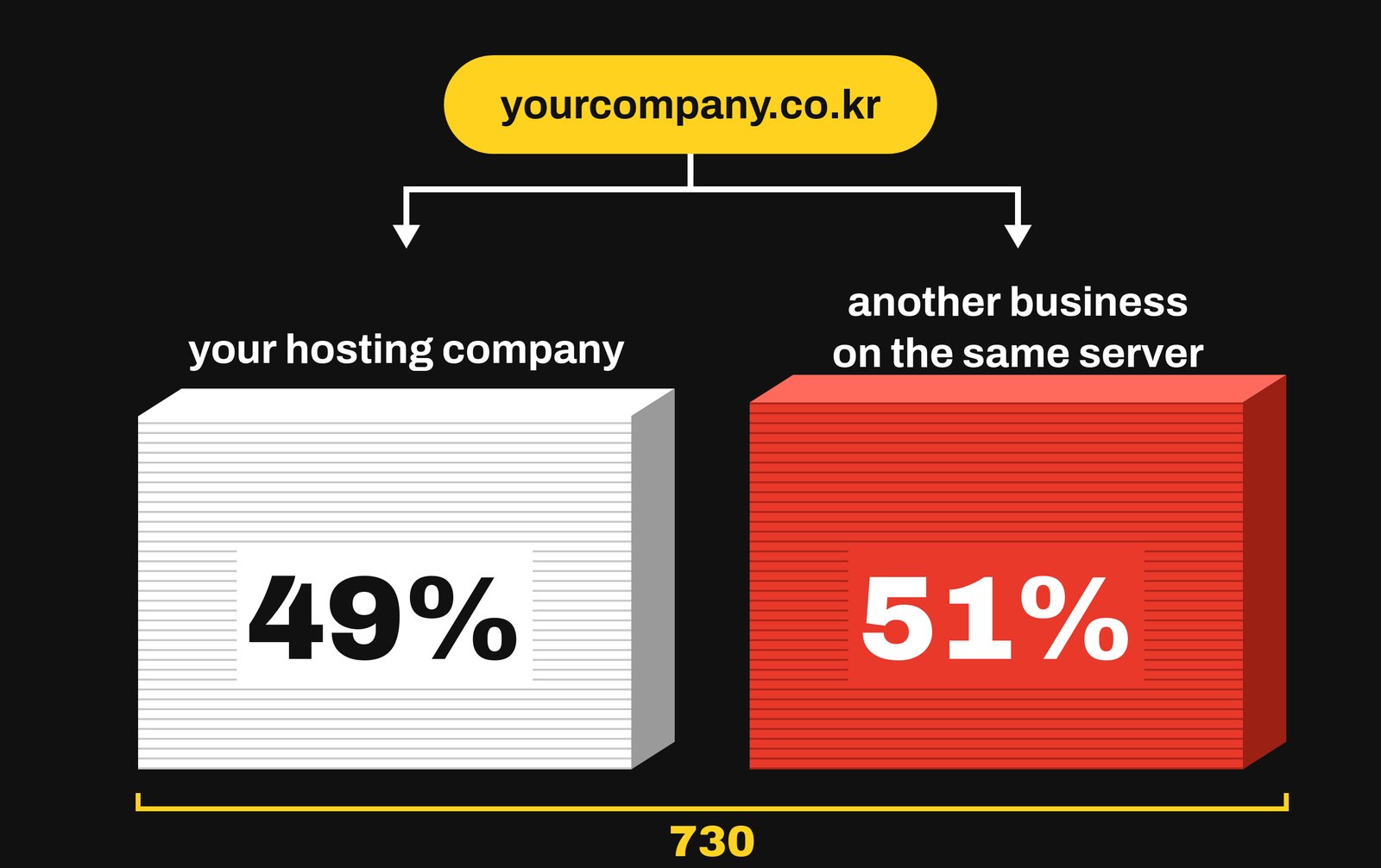
- 730 sites matched: 7.2% of the overall list, and 9.0% of the 8,151 sites that returned any certificate.
- None of the 730 pass browser validation, and 21% are also expired.
- 49% present the hosting platform's wildcard certificate, while 51% display the certificate of another customer on the same server.
This audit measured standard port 443 only. Because Korean hosts historically installed paid certificates on alternative ports, some of these sites may maintain valid certificates not exposed on port 443.
The largest hosting providers behind these wildcard certificates:
| Certificate for | Operator | Sites |
|---|---|---|
*.cafe24.com |
Cafe24, hosting | 77 |
*.gabia.io |
Gabia, hosting default domain | 41 |
*.blueweb.co.kr |
Blueweb, hosting | 29 |
*.anybuild.com |
Anybuild, site builder | 22 |
*.gabia.com |
Gabia | 12 |
*.godohosting.com |
NHN Commerce, hosting | 11 |
*.firstmall.kr |
Gabia, shop builder | 9 |
*.dothome.co.kr |
Dothome, hosting | 7 |
Whose name your visitors see
When a host returns a wildcard certificate, visitors see the name of a hosting company they never intended to visit.
When a host returns a specific site's certificate, visitors see an unrelated company sharing the server. For example, one news site's certificate appears on 20 other sites. In another instance, a web agency's certificate, expired since August 2019, still appears on 12 other sites.
How to check your own website
To check your own website's TLS response, you can use the open source tool
openssl. Replace example.co.kr in the command below with your own domain.
openssl s_client -connect example.co.kr:443 -servername example.co.kr </dev/null 2>/dev/null \
  | openssl x509 -noout -subject -ext subjectAltName
If the output lists your domain, your site is unaffected. Otherwise, it might be worth taking a look into.
How to fix your domain:
- Obtain a dedicated domain certificate from your host. E-commerce platforms like NHN Commerce's Godomall install certificates automatically upon domain setup. Shared hosting services like Cafe24, Gabia, Dothome, and Blueweb require an application and usually a fee.
- Cover both hostnames. Ensure your certificate covers both
example.co.krandwww.example.co.kr. - Refuse unhandled hostnames at the server level. If you operate the server, configure nginx 1.19.4 or later to enforce RFC 6066's "abort" behavior using
ssl_reject_handshakeon the default server block:
server {
    listen 443 ssl default_server;
    ssl_reject_handshake on;
}
References
- IETF — RFC 6066: Transport Layer Security (TLS) Extensions: Extension Definitions, §3 Server Name Indication (January 2011)
- Apache HTTP Server 2.4 — An In-Depth Discussion of Virtual Host Matching
- nginx — How nginx processes a request
- nginx — Module ngx_http_ssl_module: ssl_reject_handshake
- Chromium Blog — Towards HTTPS by default (16 August 2023)
- Chromium — components/ssl_errors_strings.grdp
- Google — HTTPS by default (28 October 2025)
- Cafe24 — SSL 인증서 신청 FAQ (SSL certificate application FAQ)
- Dothome — SSL 가격 (SSL prices)
- Newspim — NHN Commerce Godomall free SSL announcement (6 February 2026)
- Mozilla — certError.ftl

 Instagram