




In September 2015, a Symantec-owned CA issued a certificate for google.com
during an internal test. Google found it by reading a public Certificate
Transparency (CT) log.
In this post, we explain what CT logs are, where they exist, and how to query for your own domain.
What a CT Log is
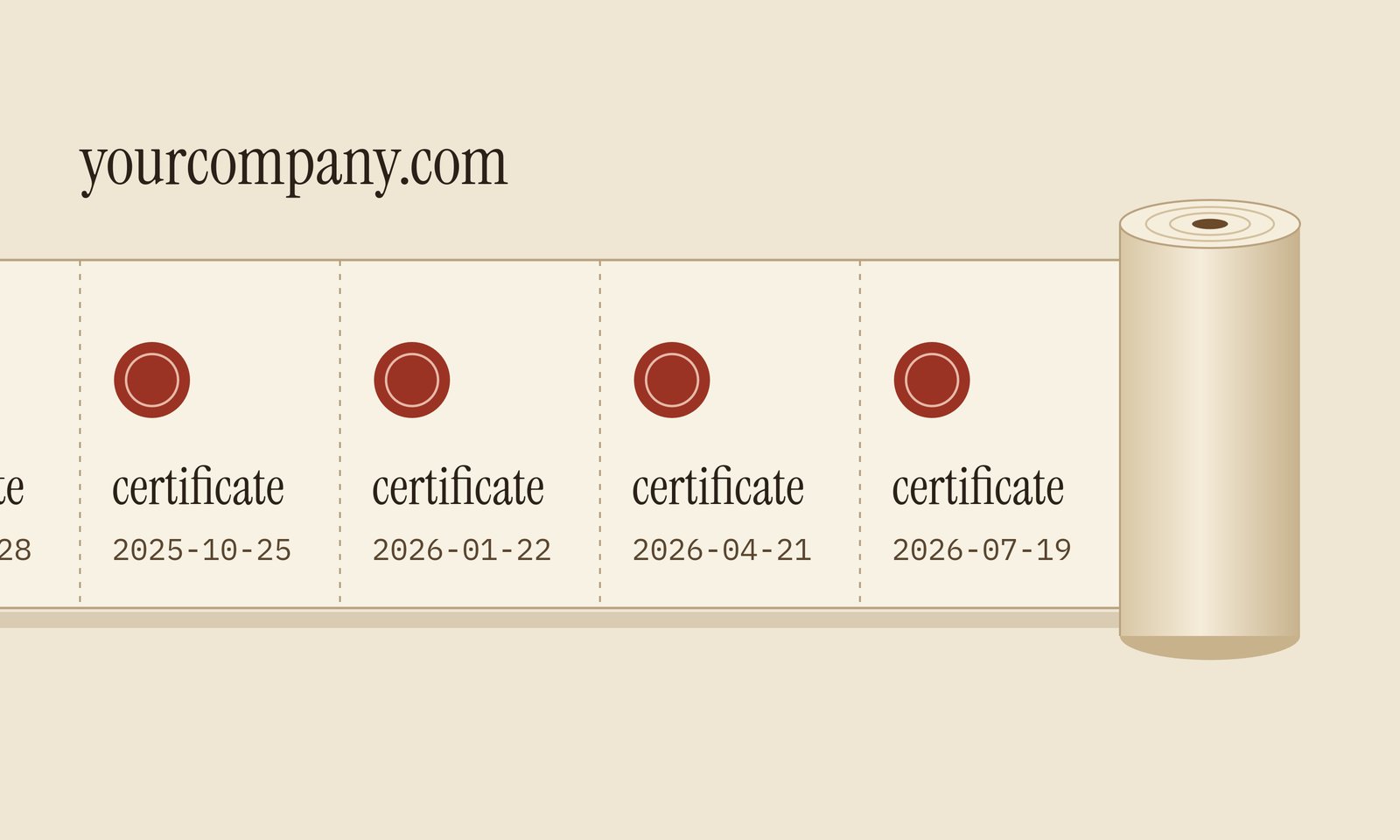
A Certificate Transparency (CT) log is a public, append-only list of TLS certificates, defined in RFC 6962.
A CA submits each certificate to several logs before it issues it. Each log returns a signed receipt called a Signed Certificate Timestamp (SCT), and the CA embeds the receipts in the final certificate.
Log entries are stored in a Merkle tree so that anyone can check if an entry was removed or changed.
Browsers Make Every CA Log
The Chrome CT policy accepts a certificate only if it carries SCTs from at least two logs run by two different operators. A certificate valid for more than 180 days needs three. Apple applies the same rule.
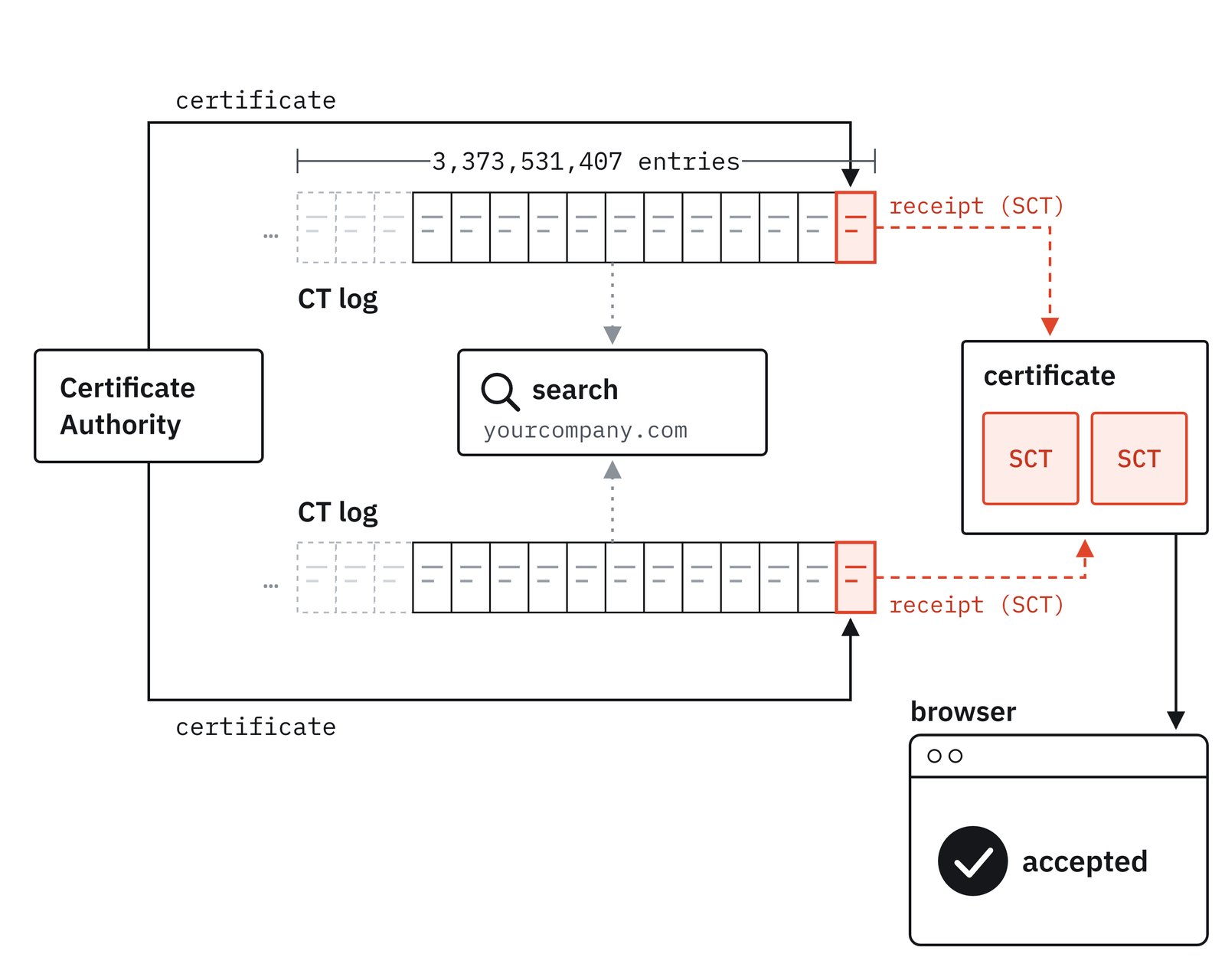
A certificate without those receipts fails in Chrome and Safari. So a CA cannot issue a working certificate for your domain without putting it in a public log.
That is what made the 2015 case public. After the google.com certificate,
Google searched the logs and found more questionable certificates. Symantec's
own
audit
then found 164 more certificates over 76 domains, and 2,458 for domains that
were never registered.
Read the SCTs in Your Certificate
You can see the SCT receipts in any live certificate with openssl:
openssl s_client -connect pankeit.com:443 -servername pankeit.com \
  </dev/null 2>/dev/null | openssl x509 -noout -dates -ext ct_precert_scts
The output, shortened:
notBefore=Jun  4 00:00:00 2026 GMT
notAfter=Dec 18 23:59:59 2026 GMT
CT Precertificate SCTs:
    Signed Certificate Timestamp:
        Log ID    : C2:31:7E:57:45:19:A3:45:...
        Timestamp : Jun  4 01:08:11.347 2026 GMT
    Signed Certificate Timestamp:
        Log ID    : D8:09:55:3B:94:4F:7A:FF:...
        Timestamp : Jun  4 01:08:11.367 2026 GMT
    Signed Certificate Timestamp:
        Log ID    : 94:4E:43:87:FA:EC:C1:EF:...
        Timestamp : Jun  4 01:08:11.362 2026 GMT
Each Log ID identifies one log in Chrome's log list. Ours point to DigiCert's Wyvern2026h2, Google's Xenon2026h2 and DigiCert's Sphinx2026h2.
Where the Logs Are
Each log registry is an HTTPS server run by Google, Cloudflare, DigiCert, Sectigo, Let's Encrypt, TrustAsia and four other operators.
Chrome publishes the registries it accepts as a JSON file.
Each log covers a time window. Google's Argon2026h2, for example, accepts only certificates that expire between July 1, 2026 and January 1, 2027.
You can read a log directly. This command asks Argon2026h2 for its current size:
curl https://ct.googleapis.com/logs/us1/argon2026h2/ct/v1/get-sth
On October 1, 2026, it reported 3,373,531,407 entries.
Search Your Domain
A log has no search function. You can only read it in order from entry 0. Monitors such as crt.sh and Cert Spotter read every log and index the certificates by name.
To see every certificate for your domain and its subdomains, open:
https://crt.sh/?q=%25.yourdomain.com
To work as an example, we ran this search on pankeit.com.
The response contained 14 entries from three CAs spanning a period of more than
one year. For pankeit.com, the CAs were: Amazon, GoDaddy and Let's Encrypt.
Most certificates appear twice. That is because one log is represents a "precertificate" one represents the final, signed certificate.
References
- IETF — RFC 6962: Certificate Transparency (June 2013)
- Google — Chrome Certificate Transparency Policy
- Apple — Apple's Certificate Transparency policy
- Google Security Blog — Improved Digital Certificate Security (September 18, 2015)
- Google Security Blog — Sustaining Digital Certificate Security (October 2015)
- Google — Chrome CT log list (v3) (retrieved 2026-10-01)

 Instagram