




You sit down at a café, and the WiFi password is printed on the receipt and taped to the counter. You type it in and feel a little safer than you did on the open airport network yesterday. But everyone in the room has that same password. Whether a public network asks for one or not, your risk is about the same — and staying safe comes down to the same short checklist either way.
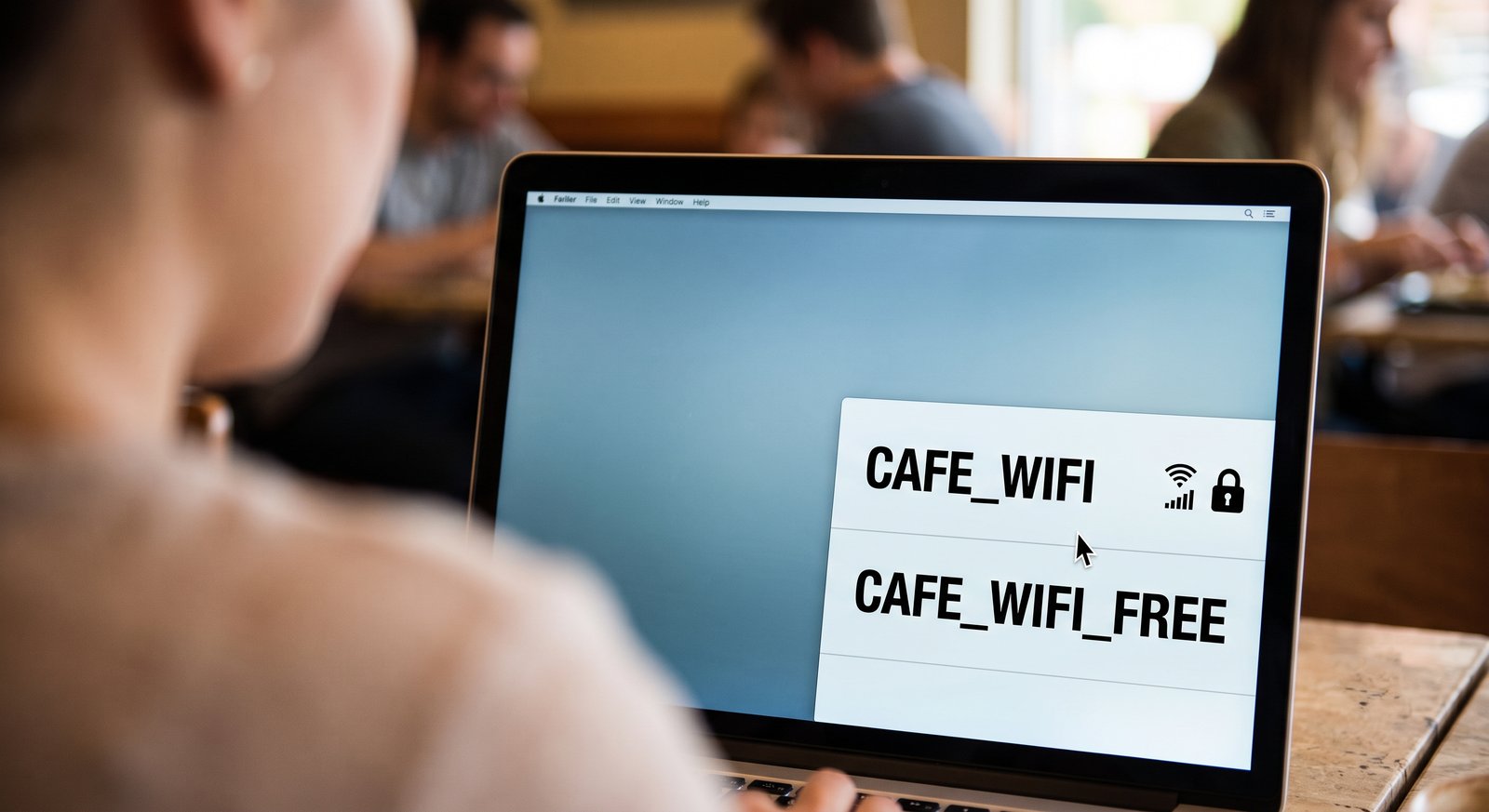
Password = safe?
An open network has no key at all: anyone within range can pull your data out of the air.
A password network keeps out people who aren't in the café. But everyone inside types the SAME password, so the lock only holds back the street. The person at the next table who ordered the same latte typed that password too, and to them your connection is as open as the airport's.
A few networks do better. The Seoul subway's _secure WiFi and a modern WPA3 café hand each device its own private key, so other users can't listen in even with the same password. Most café and shop networks don't work that way.
What can go wrong
Someone on the same network can watch traffic that isn't encrypted and quietly collect whatever passes in the clear.
A stranger can stand up a fake hotspot named something like Cafe_Free_WiFi that looks exactly like the real one, and capture the logins of anyone who joins it by mistake.
And the password creates false confidence: it makes people do banking on a café network they would never touch on the open airport one, even though the two are close to equally exposed.
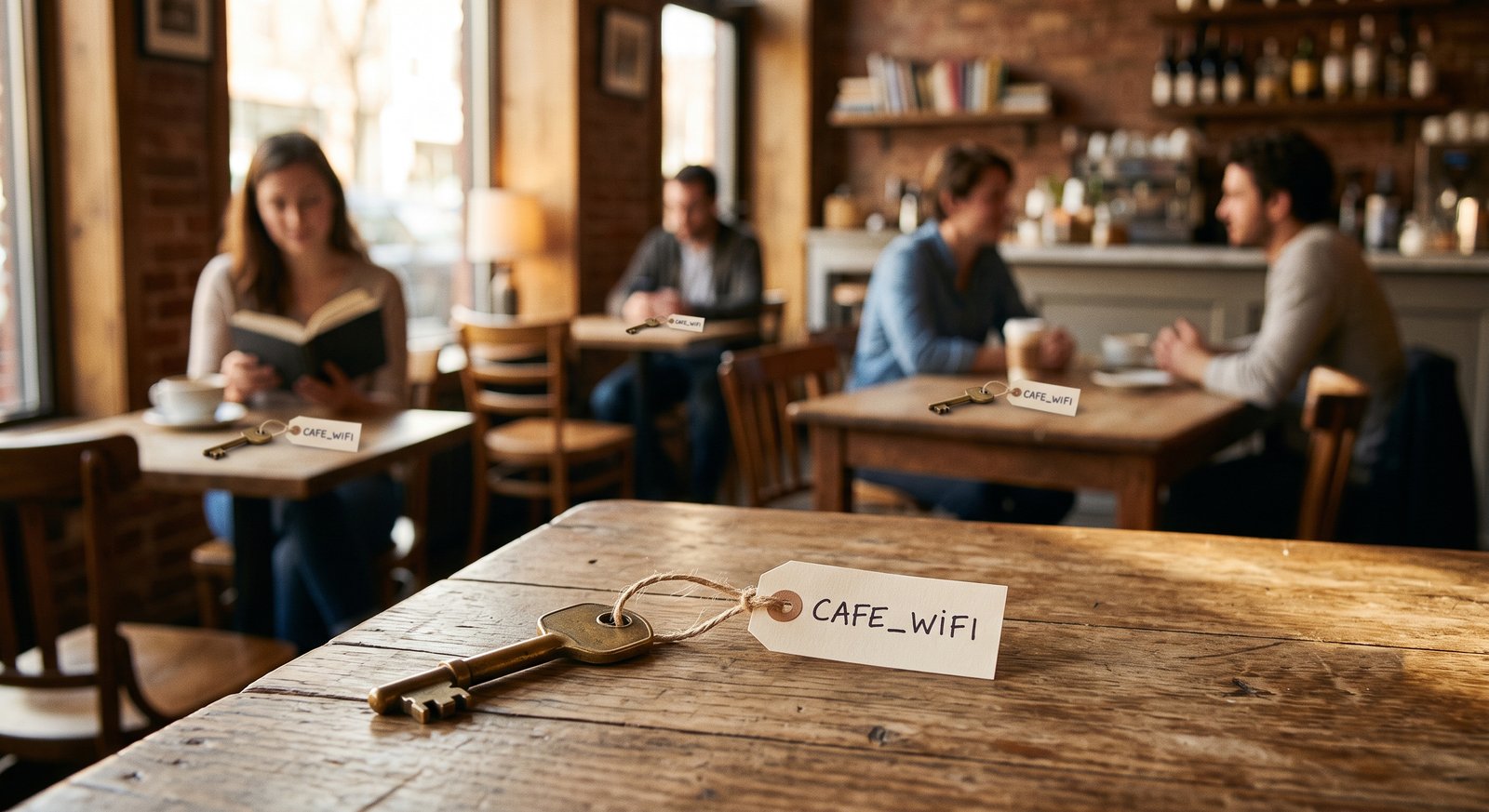
Not as scary as it used to be
Nearly every serious website and app now uses HTTPS, which encrypts the content of what you do end to end — so someone on the same WiFi sees scrambled data even though you share the network.
What still leaks is the metadata: which sites you visit, for how long, how much data you transferred, etc. Also, beware of the occasional app or website that skips encryption: those are not safe to use in public networks.
Follow the habits below and you should be fine. The shared network is not a reason to avoid public WiFi altogether.
How to stay safe
- Treat password and passwordless networks the same. Assume a stranger could be watching either one.
- Prefer sites with the "padlock". The lock icon means HTTPS is protecting the content; a page without it on public WiFi is readable by others on the network.
- Use a VPN for banking or work — or just switch to cellular data. Your mobile connection isn't shared with the room, so for a two-minute transfer it's the simplest fix.
- Turn off auto-join for public networks. It stops your phone from silently reconnecting to a network, or to a fake one wearing the same name, without you noticing.
- Setup your device to forget the network when you leave. That's one less name it will trust automatically the next time something nearby borrows it.
The safe habit is simple: treat every public network as a room full of strangers, because that is what it is. It's the same assume-nothing posture we bring when we test a company's guest and office WiFi — the question worth asking is what the person on the other side of it can actually reach.
When was the last time you used your bank app while connected to a café WiFi?

 Instagram