




Most people assume YouTube is where you watch videos, and that's that. But here's the catch: when you Share a video and someone clicks on it, Google can "link" the person that shared and the person that clicked. That is similar to a social network's concept of "friend". Google can measure how close you are to that "friend" by how many times you share videos. More times = you probably talk often.
The friends list you weren't aware of
A social network is a graph: people as the nodes, and a record of who is connected to whom.
YouTube shows you none of it. No friends list, no direct messages, no "people you may know".
Google's privacy policy names it anyway. Under "Your activity", alongside the terms you search for and the videos you watch, sits this:
Google Privacy Policy, "Your activity": People with whom you communicate or share content.
The graph really exists. The interface simply never shows it to you.
Think of a video Share as a "connection"
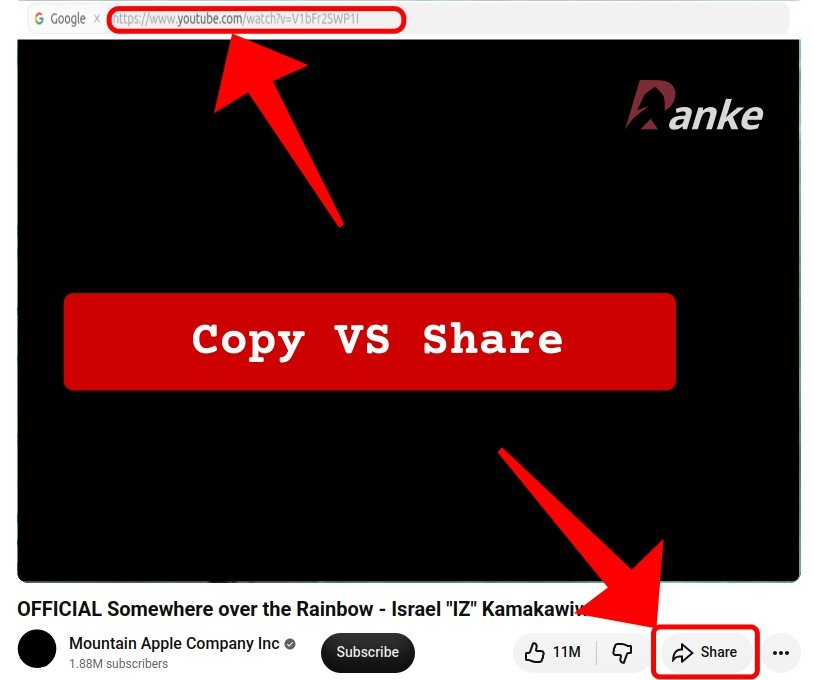
While a YouTube video's identifier is eleven characters, the Share button hands you more. Copy the address straight out of your browser's bar and the eleven characters are all you get. Tap Share and the link comes back with a parameter called si on the end. If you share the same video twice you will get two different strings. What that implies is that si represents the share action itself at that specific moment, not the video.
When the connection is established
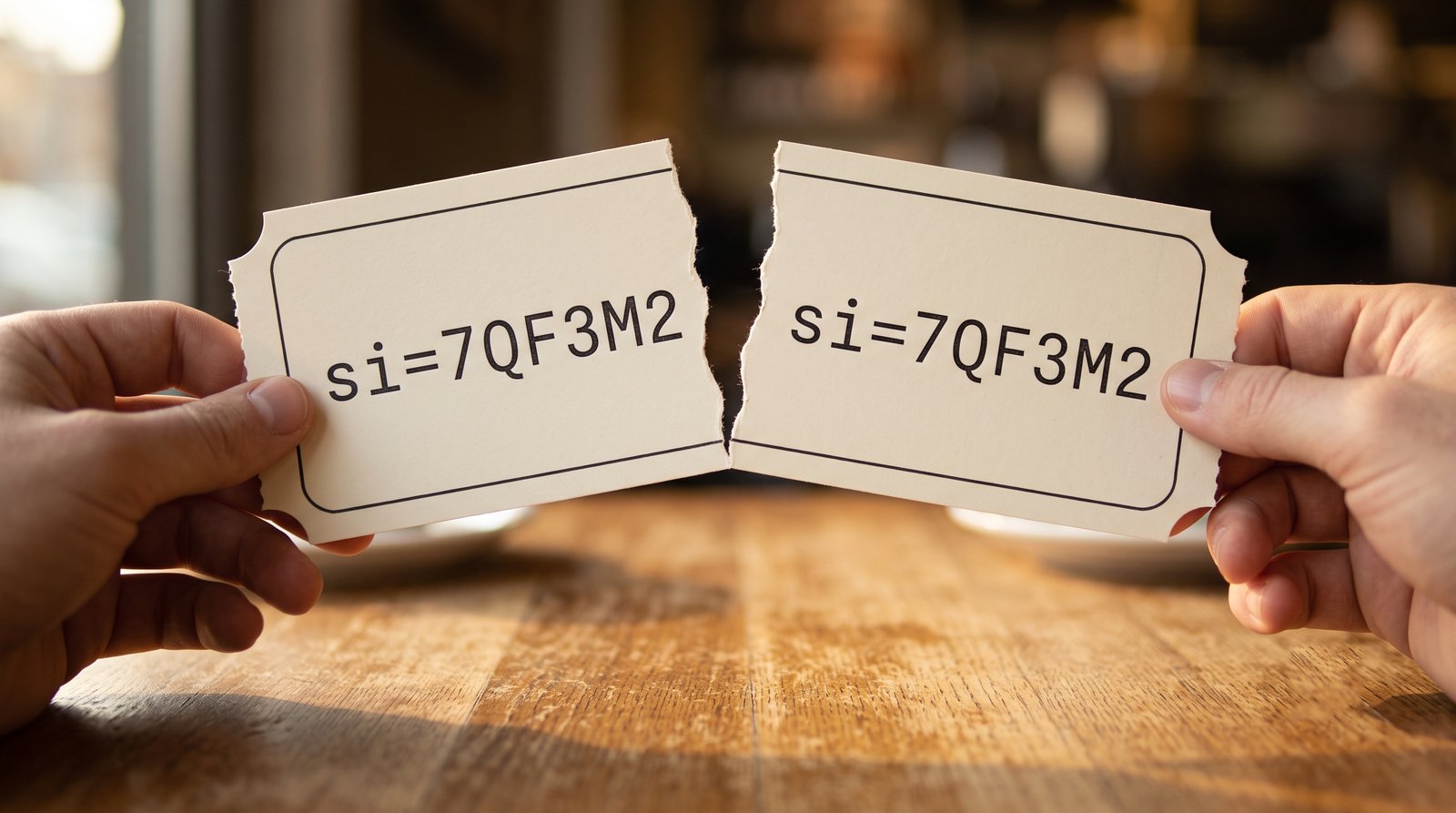
Nothing happens while the link sits in a chat window. The token is inert text. Google is only able to create that connection when the link is opened by a party that's not the sharer. Your friend's browser requests that exact URL. Google is finally able to connect both ends: the sharer and the clicker.
It doesn't matter how secure the messaging app is: your message stays readable only to the two of you, and the tap on the link still tells YouTube that the two of you exist.
There's a subtlety here that most miss: when you send the link via a messaging app, the app tries to fetch it to build the preview card. That fetch reaches Google carrying your token, even before anyone clicks on it. We covered how this happens in more detail in an earlier post.
List of apps Google considers
The sharing side is documented in public: a part of the YouTube Analytics API called sharingService is defined by Google as "the service that was used to share videos". This is used by creators and Google to analyze sharing dynamics. It helps them understand where their videos are being shared.
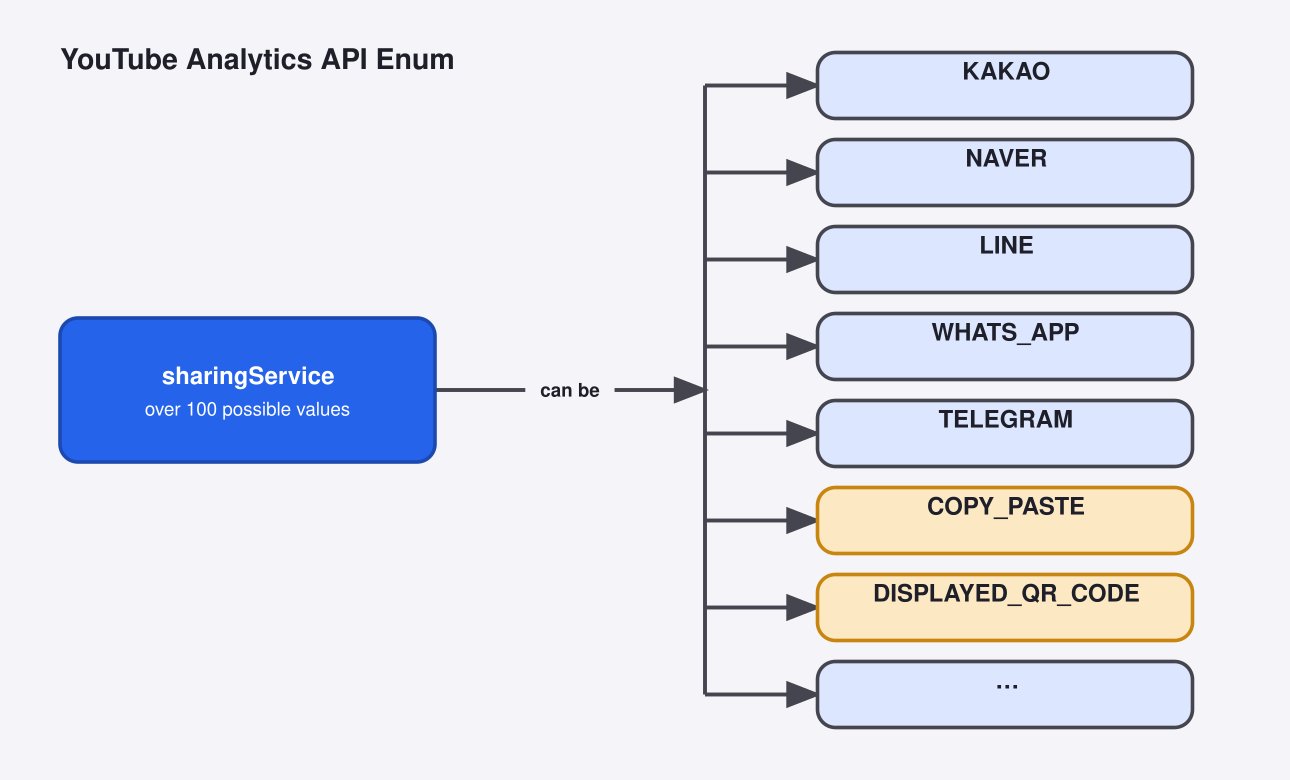
There are more than 100 valid values this dimension can take. Two of them are COPY_PASTE and DISPLAYED_QR_CODE, so copying a link by hand and holding up a QR code on your screen are counted as shares too.
Google also makes it clear that sharing_service is a core dimension of the channel bulk reports. In practice, this means that the video creator has access to that info.
How to maximize your privacy
The reality is that just by watching a video you generate countless metrics and behaviors Google measures in real time. However, there are still two things you can do to increase your privacy:
- Before sharing: copy the address out of your browser's bar, or strip out everything from
?onward. The link should still open with no issues. - Before opening: strip the
siparameter out of a link someone sent you.
Cleaning a link every time can get quite annoying, so most people are not willing to make this trade-off.
Have you ever noticed this si parameter in a YouTube URL? Did you know what it does before reading?
References
- Google. "Google Privacy Policy" (Your activity). https://policies.google.com/privacy
- Google. "Dimensions — YouTube Analytics and Reporting APIs" (
sharingService). https://developers.google.com/youtube/analytics/dimensions - Google. "Dimensions — YouTube Reporting API" (
sharing_service, core dimension). https://developers.google.com/youtube/reporting/v1/reports/dimensions

 Instagram