




Have you noticed that public WiFi shares a common name? How can your computer separate safe public WiFi from a hacker's WiFi? The honest answer is: it doesn't. It just connects to either.
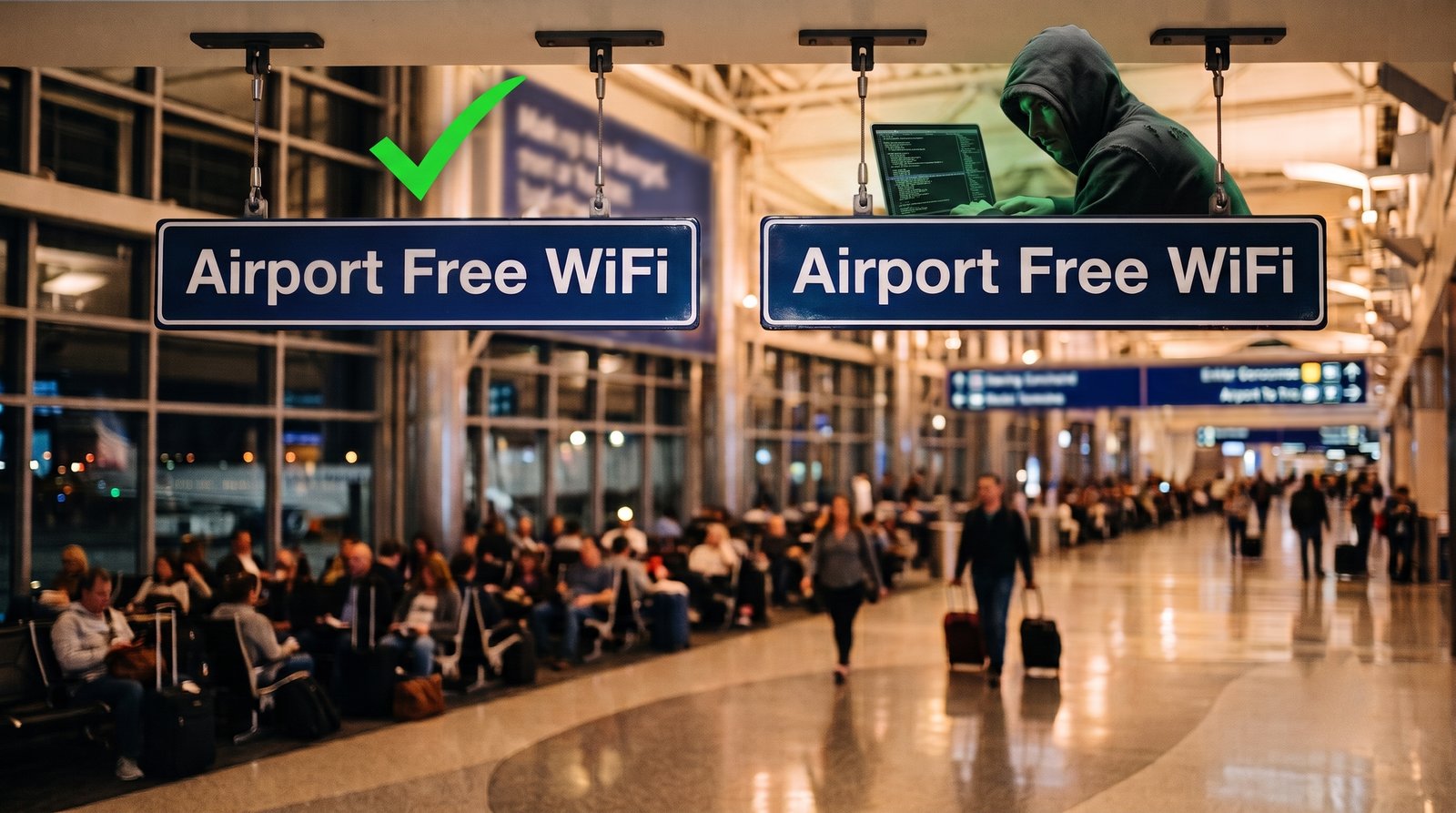
How WiFi SSIDs work
An access point announces itself by shouting a name into the air a few times a second. That name — the SSID — is a text field with no signature, no registry, no authority that issued it.
If a hacker configures a device to announce Airport Free WiFi, Airport Free WiFi it is. There is nothing in the protocol where the real one gets to object.
Your phone is on YOLO-mode
By default, your phone rejoins a network it remembers on sight, no questions asked. When two access points broadcast the same name, it takes the stronger signal and never asks which is which.
If the attacker sits close to you, your phone will automatically try to connect to it. And here's what you have to do to fall into the attack: nothing. Do nothing, and your phone will jump into the unsafe network.
What the hacker wants from you
The most common way that an evil twin is used by a hacker is to show you a login page.
In April 2024, Australian Federal Police pulled a portable access point from a man's hand luggage at Perth Airport. He had been running fake free-WiFi networks at three Australian airports and on domestic flights. Everyone expects free WiFi and nobody knows what the real one is called, so they joined without asking twice.
Australian Federal Police: "When people tried to connect their devices to the free WiFi networks, they were taken to a fake webpage requiring them to sign in using their email or social media logins."
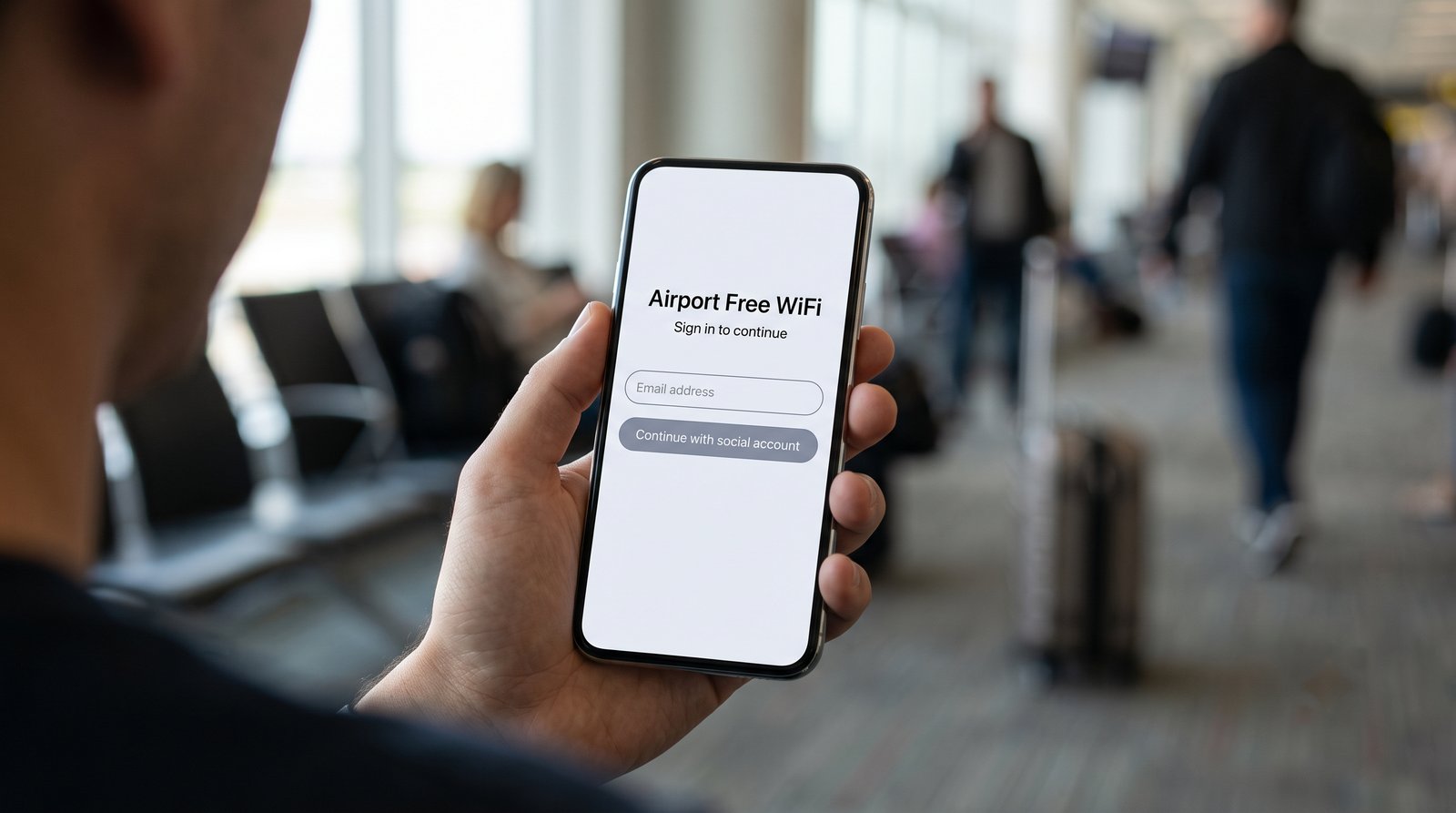
It was a sign-in form with a WiFi network attached. Perth District Court sentenced him in November 2025 to seven years and four months.
The standard that fixes this already exists
What beats an evil twin is a network that must prove who it is before your device finishes connecting.
Encryption alone does not do that. WPA3 Enhanced Open mode encrypts every client's traffic on a password-free network, which is a genuine improvement, but its own specification is blunt about its limitations:
RFC 8110 §7: "Opportunistic encryption does not provide authentication. The client will have no authenticated identity for the access point […]." OWE is "susceptible to an active attack in which an adversary impersonates an access point."
The industry solved the rest of it a long time ago. The Wi-Fi Alliance announced Passpoint in 2012, and a device using it never has to trust a name. It carries a provisioned profile naming the operator's realm and the trust root the network's certificate must chain to, matches that against what the access point advertises, and validates the certificate before the connection completes.
Wi-Fi Alliance, Passpoint Deployment and Implementation Guidelines §7.6.3: "An expired server certificate will cause the mobile device to fail server authentication and not connect to the network."
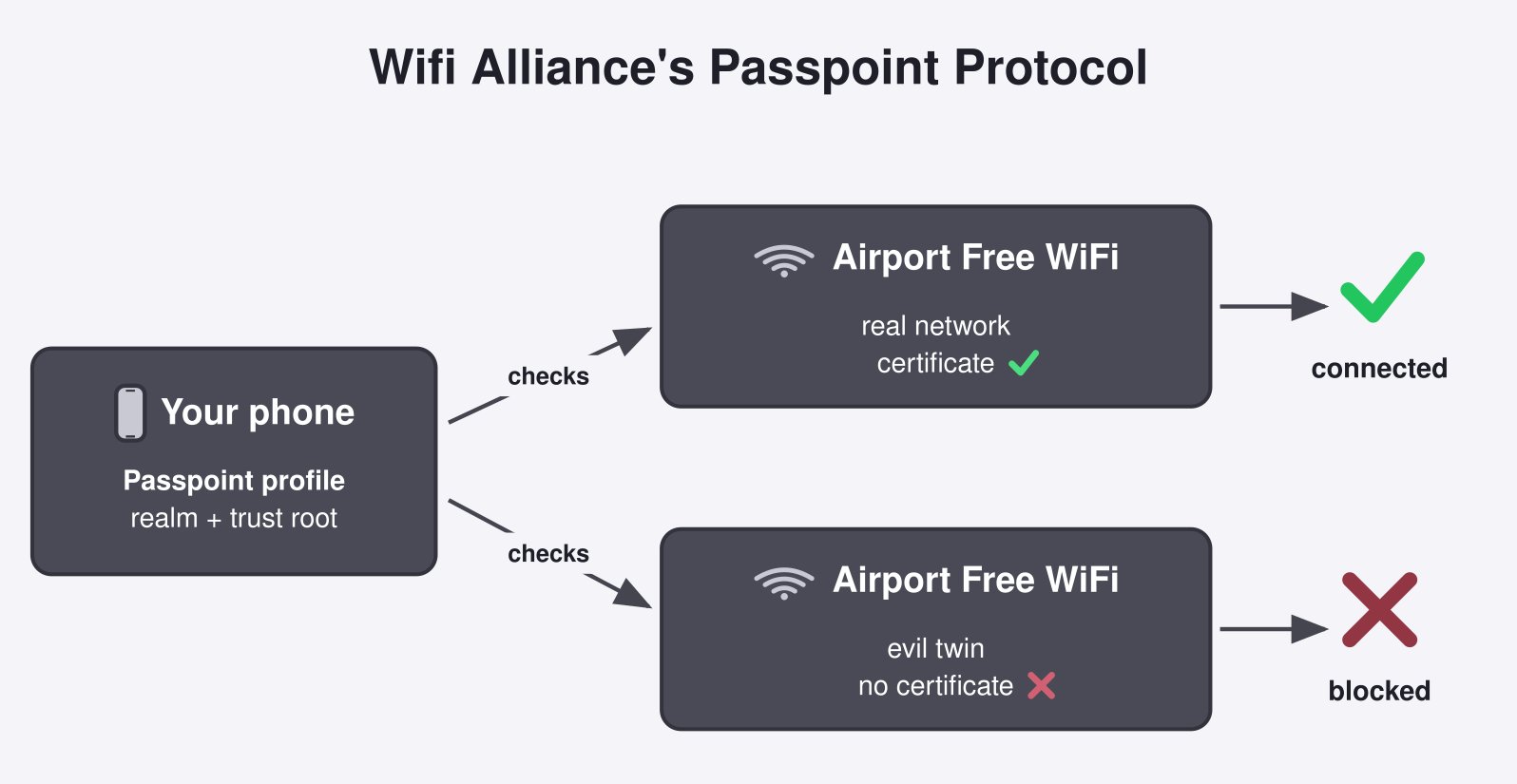
An evil twin is unable to produce a certificate issued under the trust root already sitting in your phone. The network handshake dies on the radio and you never see that malicious sign-in page.
Why you have (probably) never used Passpoint
Fourteen years on, and the free WiFi most people use hasn't changed. Here's why.
A Passpoint hotspot needs a service provider standing behind it: an AAA server, a certificate chain somebody renews on schedule, and a realm or a roaming-consortium identifier so that a stranger's phone knows in advance that it can authenticate there. A café has none of those things.
The Wi-Fi Alliance's own deployment guidelines open their compatibility appendix by conceding what the installed base still runs: "many hotspot network operators have existing hotspot network deployments that employ open SSIDs and captive portals for authentication."
There is one place though where this kind of authentication is widely deployed: your carrier. The organisations that already run an identity system for you are the ones that can operate the certificates and keys it needs. Korean carrier WiFi's "padlocked" names — SKT's T wifi zone_secure, KT's locked ollehWiFi — authenticate against the secret key sealed inside your USIM over EAP-AKA, which NETMANIAS documented both carriers running.
Beware of the copy
- Treat a WiFi sign-in page as suspicious. Never hand it your email or a social login.
- Turn off auto-join, and forget old networks. A saved name is the hook a copy uses.
- Prefer the padlocked carrier network, or your own hotspot. (What the locked one does with your traffic is a separate question.)
Have you ever given your personal login information to a WiFi sign-in page?
References
- IETF — RFC 8110: Opportunistic Wireless Encryption
- Wi-Fi Alliance — Passpoint Deployment and Implementation Guidelines, Rev 1.4 (January 2025)
- Wi-Fi Alliance — Wi-Fi CERTIFIED Passpoint
- Australian Federal Police — Man charged over creation of 'evil twin' free WiFi networks to access personal data
- Australian Federal Police — WA man jailed for stealing intimate material and using 'evil twin' WiFi networks
- NETMANIAS — IEEE 802.1X-based user authentication in KT, SK Telecom and LG U+'s Wi-Fi networks (published 2014, updated 2015)
- IETF — RFC 4187: EAP method for 3rd Generation Authentication and Key Agreement (EAP-AKA)

 Instagram